
Rota Management
Build rotas, manage availability and cover shifts faster
Plan staff rotas, organise recurring shifts and manage shift swaps in one place with RootHR. Use the drag-and-drop rota planner, reusable templates and multi-location scheduling to keep your teams organised and your working hours visible.
No card required · UK-based support · ISO 27001 certified
What is rota management?
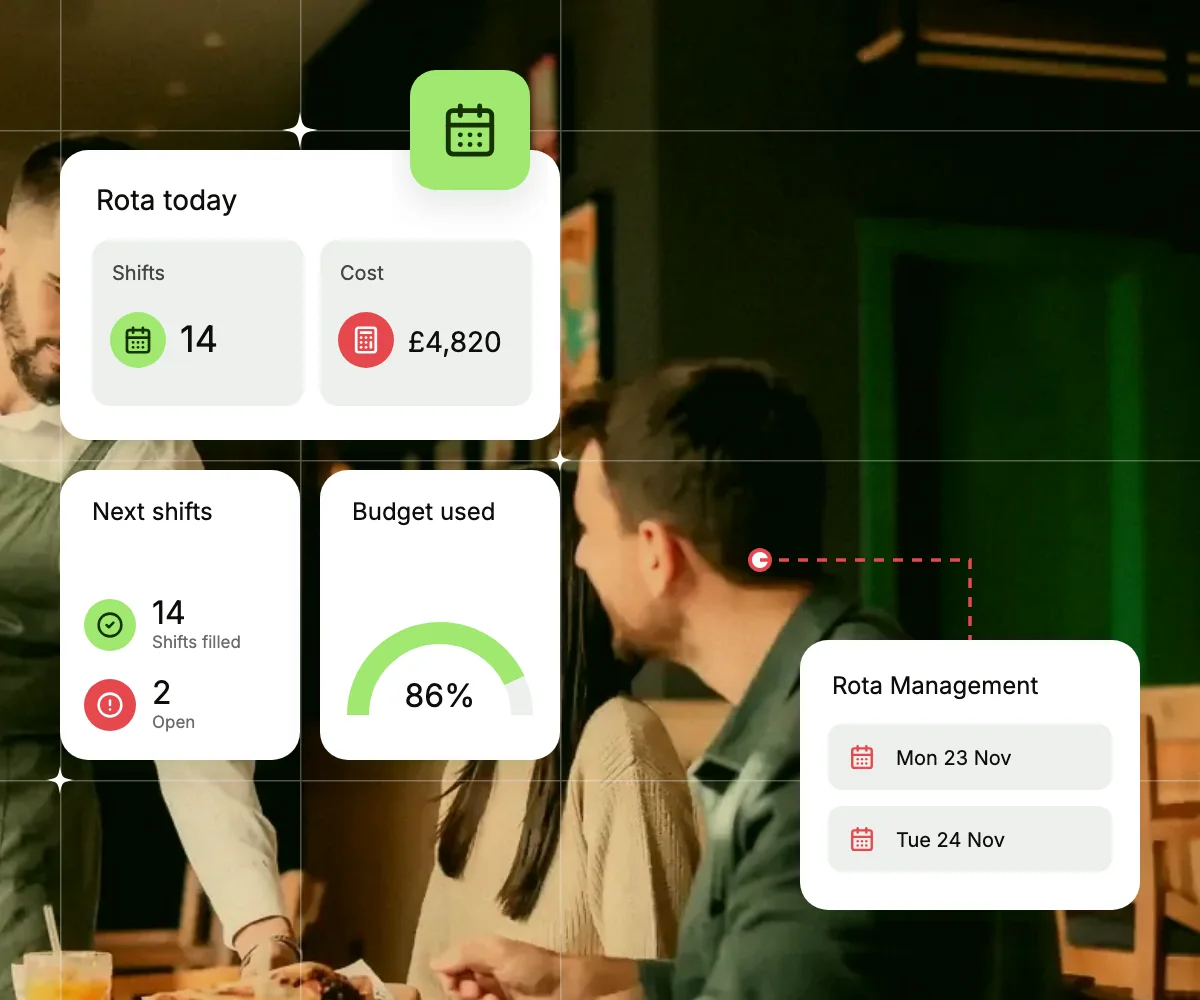
Rota management helps businesses plan employee shifts, assign staff to the right locations and make sure there is enough cover when needed.
For shift-based businesses such as care, hospitality, retail and logistics, managing rotas can quickly become time-consuming. Absences, shift changes and overlapping schedules can make planning harder.
RootHR brings rota planning together with attendance, leave and employee records. Managers can create weekly rotas, reuse shift templates, set recurring shifts and check for double-bookings before publishing.
Everything you need to manage staff rotas
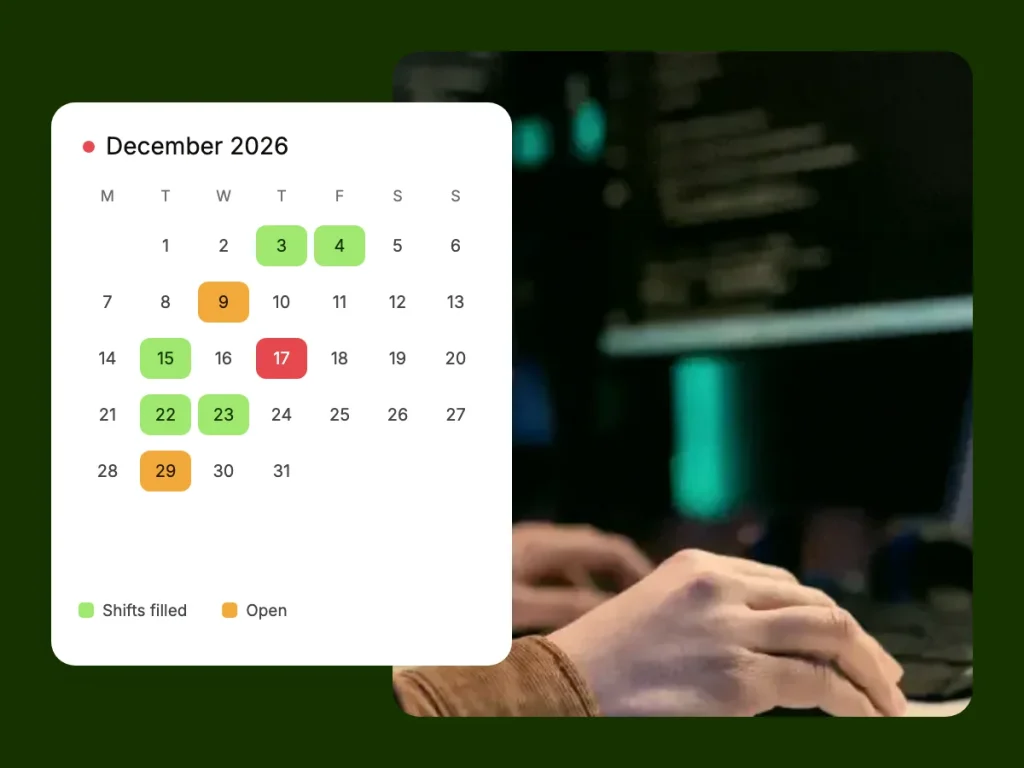
RootHR’s Rota Management feature helps you plan shifts, organise staff availability and publish schedules across your locations. From recurring shift patterns to last-minute cover, keep the weekly scheduling process organised in one place.
Drag-and-drop rota planner
Build weekly rotas and review schedules in the monthly calendar.
Recurring shifts and templates
Reuse shift templates and avoid double-bookings.
Open shifts and shift swaps
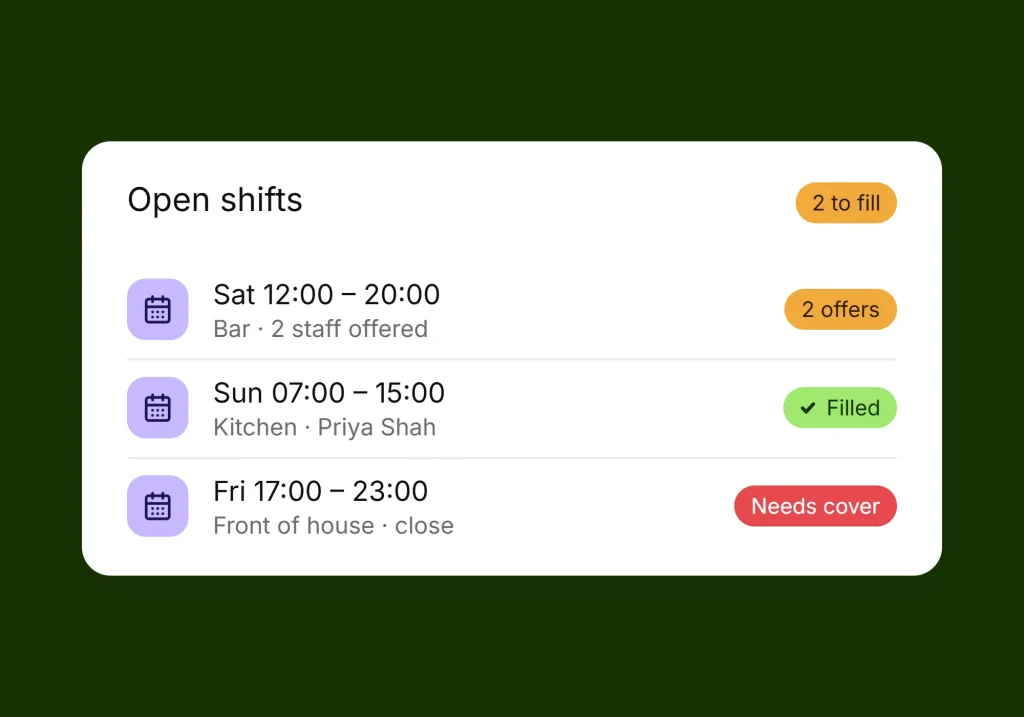
Offer open shifts to staff and approve shift swaps.
Multi-location scheduling
View rotas across locations and export schedules when needed.
Our mission
From a blank week to a published rota
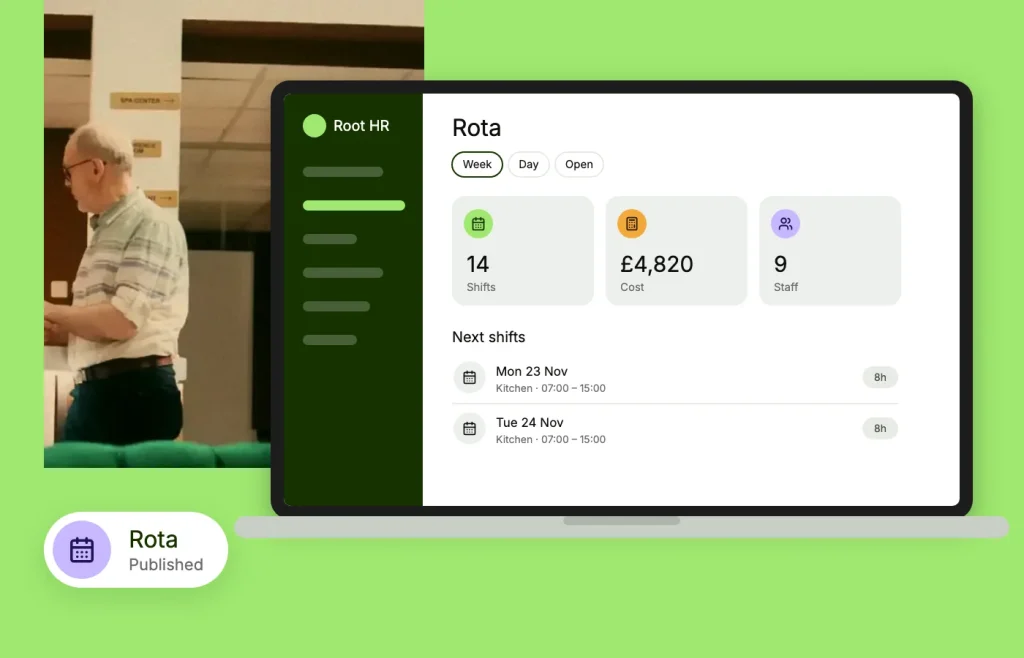
RootHR helps managers organise the weekly rota without rebuilding the same shift patterns from scratch.
Start with a template
Save an existing shift pattern and reuse it when planning the next week. Spend less time entering the same shifts repeatedly.
Generate recurring shifts
Create repeating shift patterns in fewer steps. Review the schedule for double-bookings before publishing.
Arrange cover
Identify uncovered shifts, make them available to staff and manage shift swap requests through the appropriate approval process.
Publish and export
Publish the rota across your locations and export schedules to Excel, CSV or PDF for managers and payroll preparation.
What RootHR’s rota planner can do
Offboarding sits inside the employee record you already keep — so an exit is a case you open, work through and close, not a fresh pile of admin.
Build the rota
- Drag-and-drop weekly rota builder
- Monthly calendar view
- Reusable shift templates
- Recurring shift generation with double-booking detection
Fill and cover shifts
- Open shifts for staff to claim
- Manager approval for shift claims
- Employee shift swap requests
- A central workflow for reviewing cover requests
Review and share schedules
- Multi-location rota views
- Night, weekend and bank-holiday shift classification
- Excel, CSV and PDF exports
See the whole week and the people behind it
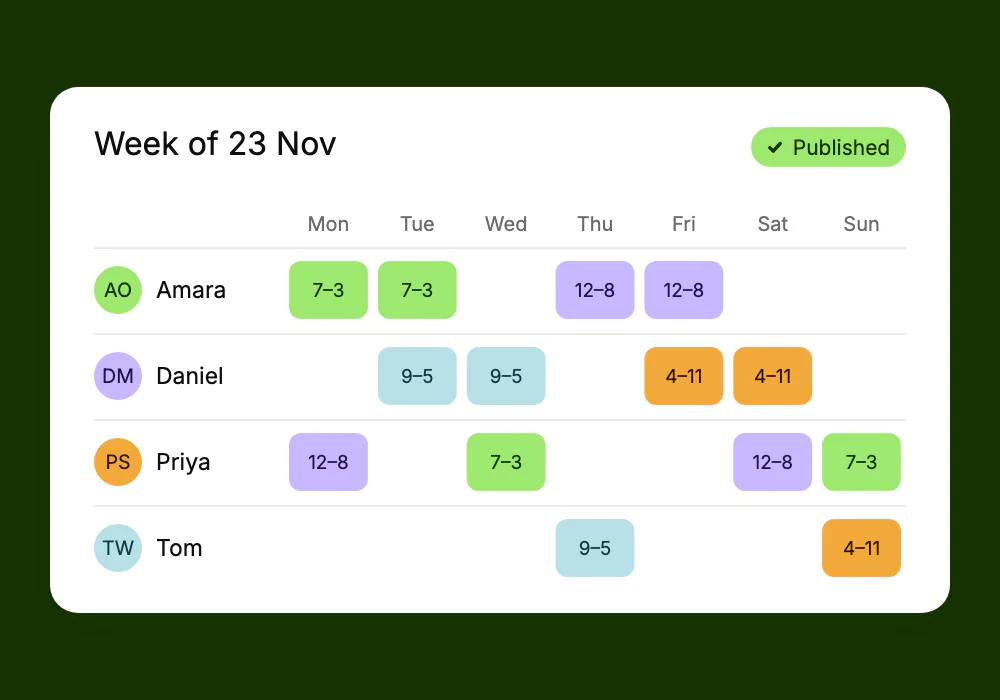
RootHR brings the weekly rota and employee information together, helping managers plan shifts with a clearer view of staff availability and working hours.
The whole week, across every location
View schedules by site or across multiple locations. Check who is working each day, their assigned shifts and their planned hours.
Check employee details before assigning shifts
Review employee records, contracted hours, attendance and booked leave when planning the rota. This helps managers make more informed scheduling decisions without switching between multiple records.
Spend less time organising staff schedules
Managing rotas through spreadsheets, messages and manual updates can take time away from other work. RootHR helps streamline the process with reusable templates, recurring shifts and a clearer way to manage cover.
- Reuse shift patterns instead of rebuilding each rota.
- Identify potential double-bookings before publishing.
- Manage open shifts and swap requests through an approval workflow.
- View schedules across sites from one place.
Staff rota management for shift-based businesses
Different industries have different staffing requirements. RootHR’s Rota Management feature helps businesses organise schedules around their teams, locations and shift patterns.

Care homes
Plan shifts across days, nights and weekends, helping managers organise cover for round-the-clock care.

Hospitality
Coordinate kitchen and front-of-house shifts, reuse regular patterns and manage additional cover during busy periods.

Retail
Organise staff schedules across branches and review coverage for different trading hours.

Professional services
Manage recurring shift patterns across teams and locations, with checks to help identify scheduling conflicts.
Works with the rest of RootHR
Rota Management is part of RootHR’s wider HR and workforce management platform. Connect staff scheduling with the employee information and processes your team already uses.
Attendance & Time
Compare scheduled shifts with recorded attendance and working hours.
Leave Management
Review booked leave before assigning shifts, helping avoid scheduling employees who are unavailable.
Overtime & Exceptions
Review overtime, missed clock-ins and working-hour exceptions alongside time records.
Tasks & Workflows
Route shift swaps, cover requests and related tasks to the appropriate manager for approval.
HR Core
Access employee records, contracts, contracted hours, teams and work locations when planning shifts.
Payroll Support
Use recorded working hours and overtime information to support payroll preparation and reduce manual re-entry.
Frequently asked questions
Can staff view their rota on mobile?
Staff can view their published shifts and submit shift swap requests from their phone, with managers handling requests through the relevant approval workflow.
Can I manage rotas across multiple sites?
Yes. RootHR supports rota views across individual sites and multiple locations, helping managers organise schedules for different teams.
Can I reuse last week’s rota?
You can reuse saved shift templates and generate recurring shifts, reducing the need to recreate regular patterns each week.
Can I export staff rotas from RootHR?
Yes. Rota information can be exported to Excel, CSV or PDF for sharing and record-keeping.
How are night and weekend shifts handled?
RootHR can classify night, weekend and bank-holiday shifts automatically as part of the rota planning process.
Does rota management connect with attendance?
RootHR connects rota planning with attendance and time records, helping managers compare planned shifts with recorded working hours.
Publish your first rota with RootHR
Make staff scheduling easier with reusable shift templates, recurring rotas and multi-location views. Book a free walkthrough or register to explore RootHR’s Rota Management feature.