Root HR | All-in-One HR Software for UK Businesses

Digital Signature

Send, sign and store HR documents in one place

RootHR’s Digital Signature feature gives UK employers one central place to send contracts and HR documents for electronic signature, track signing progress and keep signed copies with employee records all connected to the wider RootHR platform.

No card required · UK-based support · ISO 27001 certified

Digital signature

3x

Faster hiring

100%

Legally binding signs

∞

Document history

<2min

Contract to sign

The basics

What is e-signing in HR?

Electronic signing lets employees and employers sign HR documents online instead of printing, signing, scanning and emailing them back. It can be used for employment contracts, offer letters, policy acknowledgements, changes to terms and other everyday HR documents.

The signature itself is only part of the process. HR teams also need to know who received the document, whether it was opened, whether it was signed or declined and where the completed copy is stored.

RootHR’s Digital Signature feature keeps that process together. Upload the PDF, add signature fields, send a secure signing link and track the response. Once completed, the signed document stays connected to the employee record.

Signed documents, straight into the employee record

Every document sent through Digital Signature stays connected from sending through to completion, so your team can see what has been signed and where the finished copy belongs.

Any PDF, ready to sign

Upload an existing PDF and place the required signature fields exactly where you need them.

No login to sign

Signers open a secure token-based link without needing to create a RootHR account.

Single or multiple signers

Send the same document to one signer or several people on the employee or employer side.

Track every response

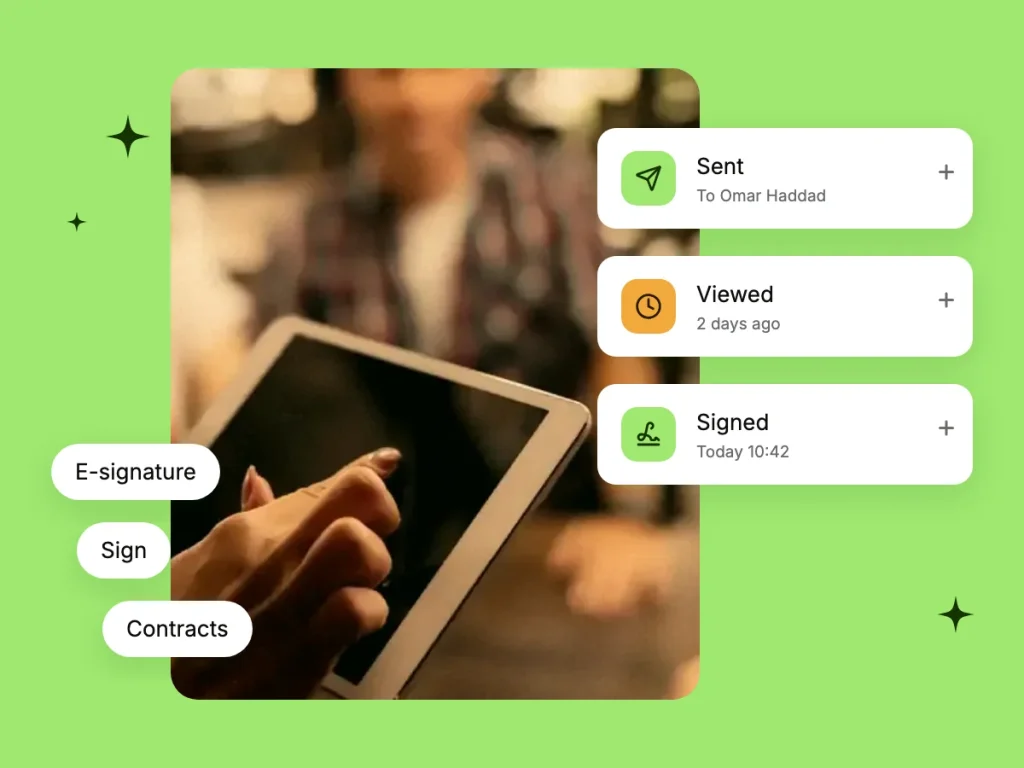
See when a document is opened, monitor outstanding signatures and capture a reason when someone declines.

Capabilities in detail

Everything you need for HR e-signing

From preparing a document to storing the signed copy, RootHR keeps the electronic signature process connected to your HR records.

Digital signatures

How it works

From PDF to signed record

Four straightforward steps take an existing HR document from upload to a completed copy on the employee record.

01

Upload the PDF

Upload the document you already use – such as an offer letter, employment contract, policy or change-of-terms letter. There is no need to rebuild it from scratch.

02

Place the fields

Use the visual field picker to position each signature exactly where it needs to appear on the document.

03

Send the secure link

Send the document to one signer or several. Each person receives a secure link and can sign using a touchscreen or mouse without creating a RootHR login.

04

Track and complete

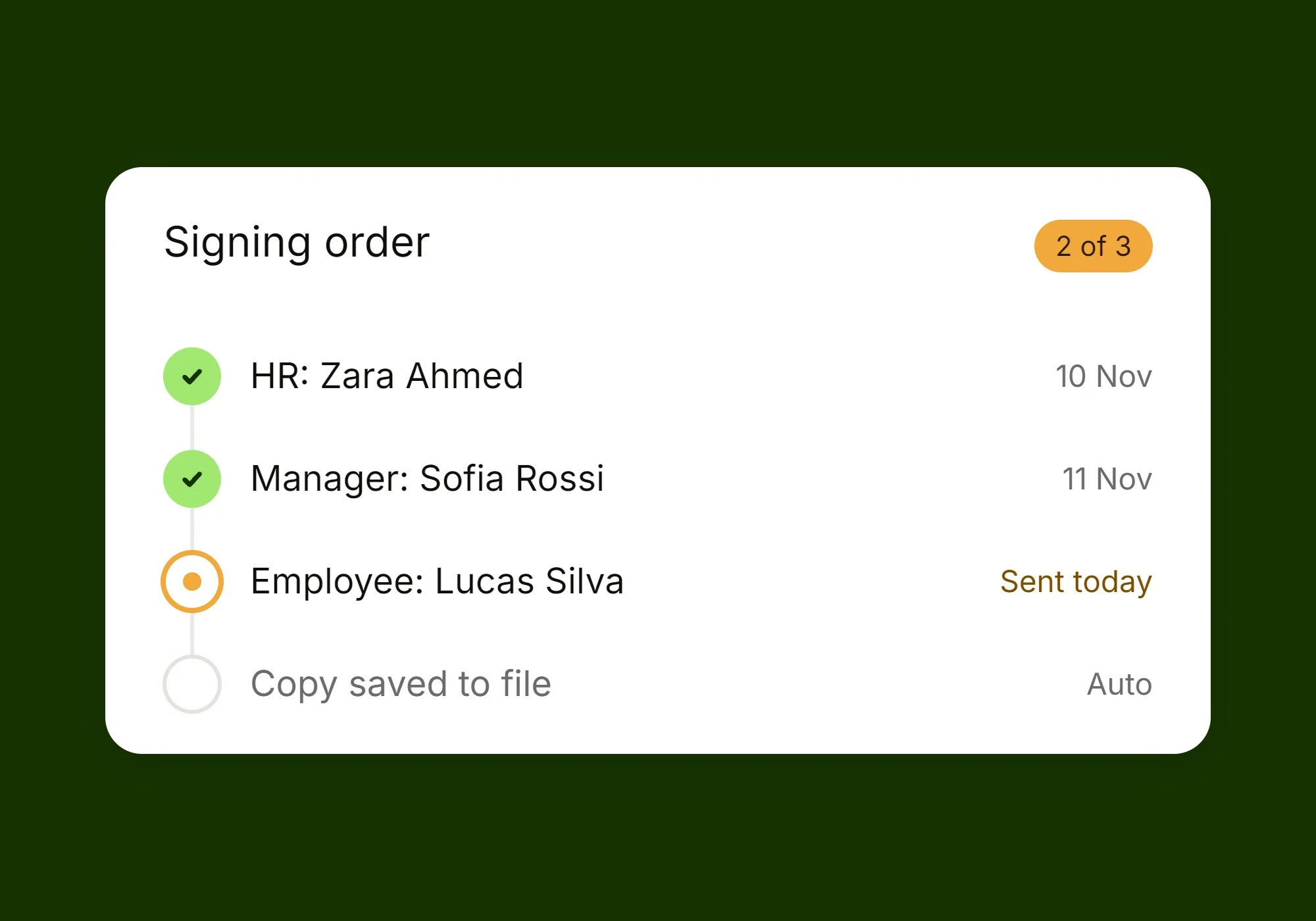
See when the document has been viewed, send reminders to anyone still outstanding and record a reason if a signer declines.

The completed document stays with the employee record rather than becoming another loose attachment to download and file manually.

From signed contract to onboarding

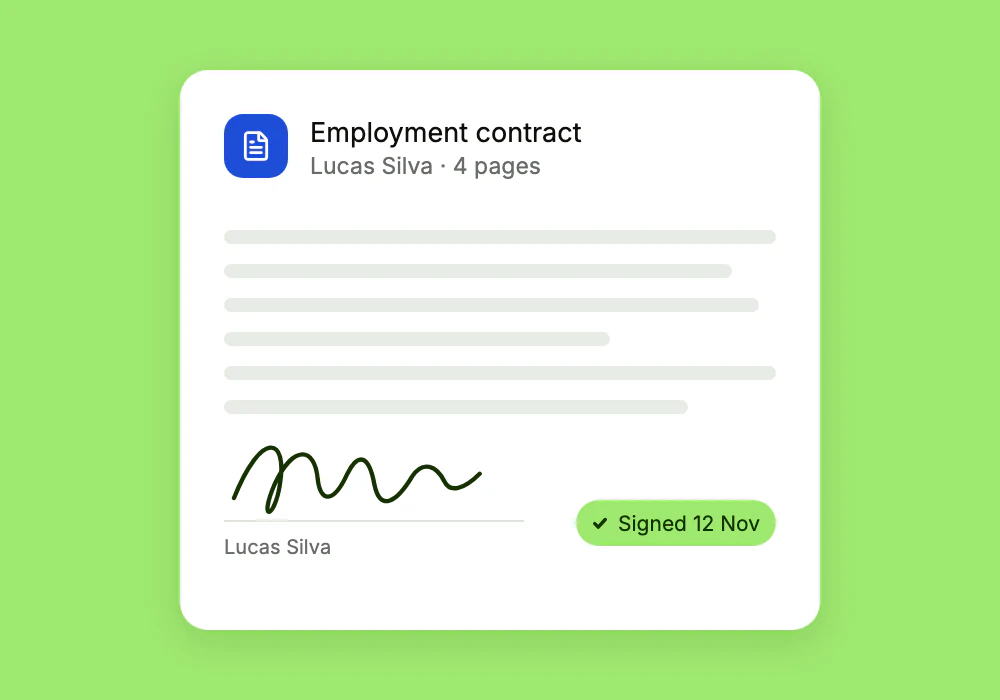
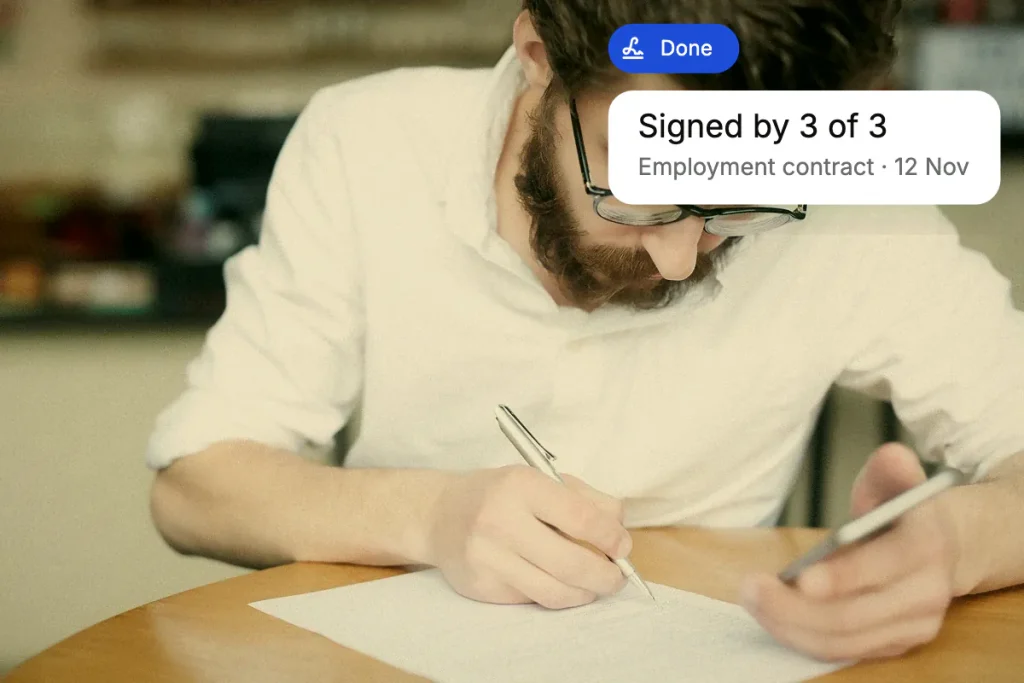
Once an employment contract has been signed, the document can stay connected to the employee’s wider onboarding process – without entering the same information again.

See what has been signed and what is still waiting

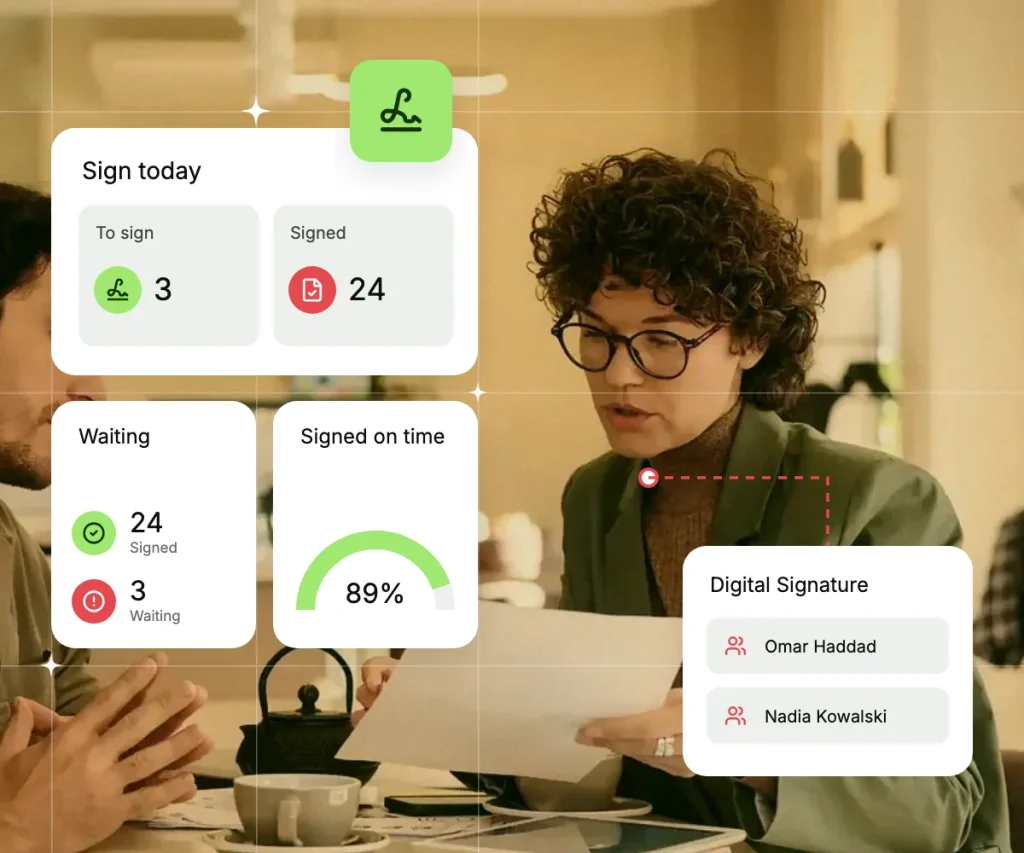
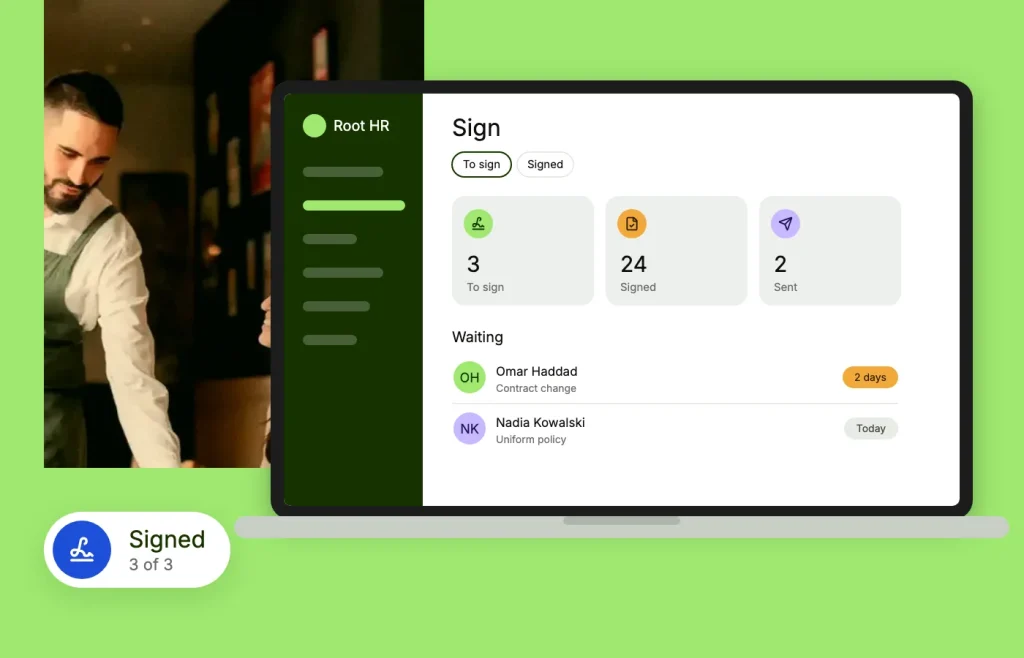
Two clear views help your HR team keep completed and outstanding signatures visible.

Signatures stay with the right workflow

Keep offer letters, contracts and policy acknowledgements connected to the employee or onboarding step they relate to.

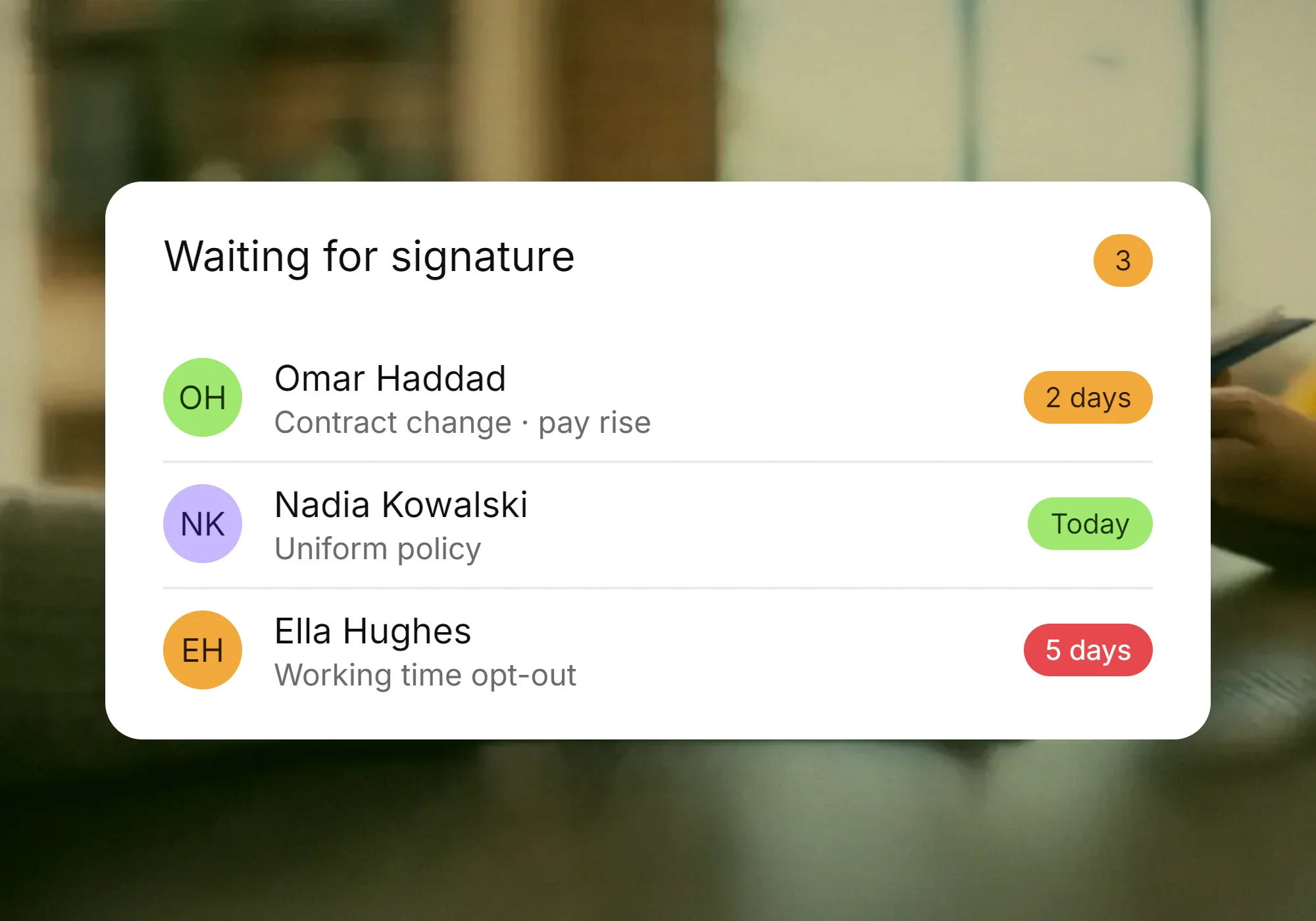
Outstanding signatures stay visible

See which documents are still waiting for action instead of relying on emails, spreadsheets or someone remembering to follow up.

Why it matters

A signature needs a clear record

When an important HR document is signed, you need more than the finished PDF. You also need a clear record of what happened before it was completed.

  • See when a document has been opened
  • Remind signers when a signature is still outstanding
  • Record a reason when someone declines
  • Keep signing activity visible from one place

Signed copies go where they belong

The final step of e-signing is often still manual: download the completed PDF, rename it and upload it back into the employee folder. RootHR keeps the completed document connected to the record it belongs to.

What connects with Digital Signature

Electronic signatures are one part of a wider HR process. RootHR keeps signing connected to the features used before and after the document is completed.

Document Management

Keep completed documents with the employee records and document information they relate to.

Onboarding

Move from signed employment documents into the next onboarding steps without unnecessary re-keying.

Recruitment ATS

Send offer letters and employment documents from the recruitment process for signature.

HR Core

Keep contracts, signed documents and employee information connected to one central record.

Tasks & Workflows

Keep outstanding signature actions visible instead of relying on manual reminders.

Offboarding

Manage leaver and other exit documents as part of the employee’s wider offboarding process.

Digital Signature
Frequently asked questions

The signer opens a secure token-based link without needing a RootHR account. They review the document and sign using the on-screen signing area with a touchscreen or mouse. Your team can then track the document’s progress.

Yes. Documents can be sent to a single signer or several people, including employee and employer-side signers. Outstanding signatures can also be followed up with reminders.

Send your first document for signature

Book a walkthrough or register and start sending contracts and HR documents for electronic signature from RootHR.

Scroll to Top