
Post jobs, manage candidates and keep your hiring process in one place
RootHR’s Recruitment ATS feature gives UK employers one central place to advertise roles, manage applications, track candidates, schedule interviews and move successful hires into onboarding all connected to the wider RootHR platform.
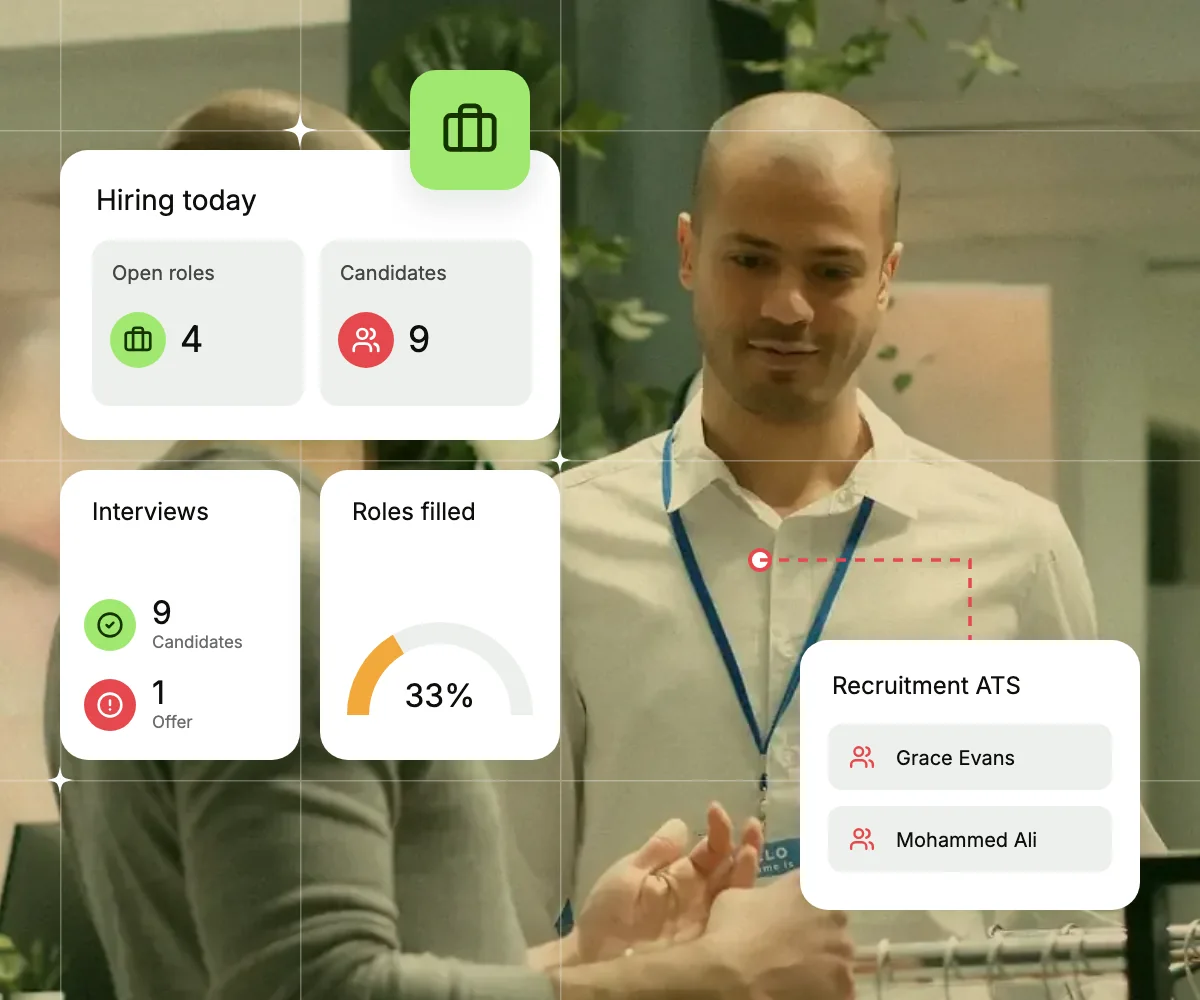
What is an applicant tracking system?
An applicant tracking system (ATS) helps employers manage recruitment, from job adverts and applications to interviews and offers.
For UK employers, recruitment also involves Right to Work checks and, where relevant, sponsor compliance records.
RootHR keeps jobs, candidates, interviews and checks in one place, making it easier to manage hiring and move successful candidates into onboarding.
A clearer hiring pipeline from application to offer
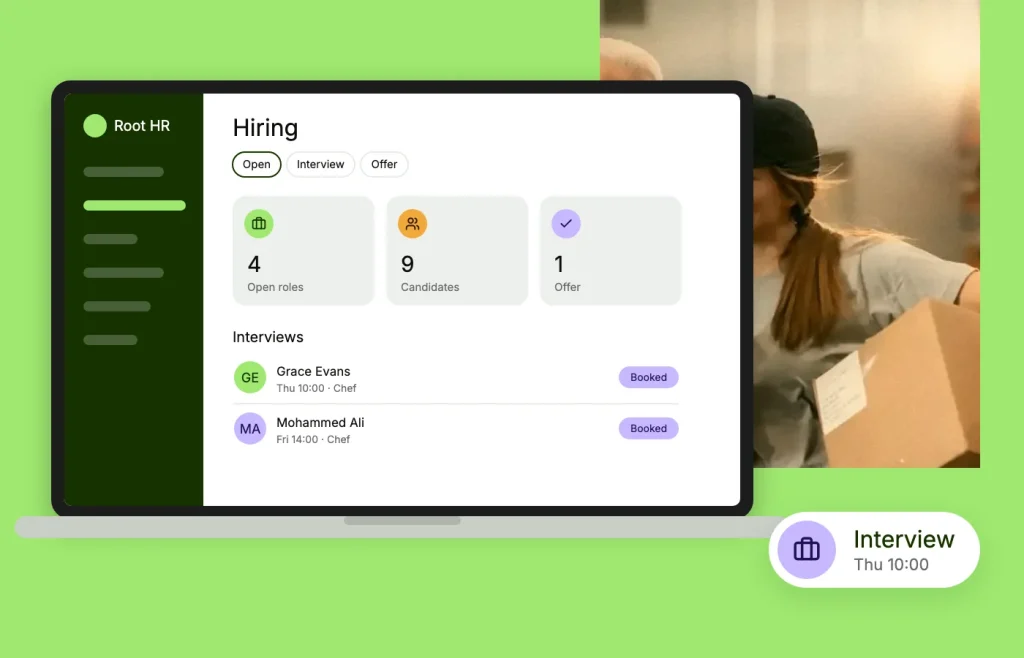
Manage each stage of recruitment from the same candidate record, while keeping the information your HR team needs for the next step.
Job posting
Publish vacancies across supported job boards, your public job page and your own careers site.
Pipeline tracking
Move candidates through hiring stages you can create, reorder and reuse for different roles.
Interview scheduling
Schedule interviews and keep candidate progress and recruitment activity together.
Offers and references
Prepare offers and manage reference checks without moving the candidate into another process.
From advert to new starter in four steps
A straightforward recruitment workflow takes each vacancy from posting through to onboarding.
Publish the role
Create the vacancy once and publish it across supported channels, your public job page and your own careers website.
Build your hiring pipeline
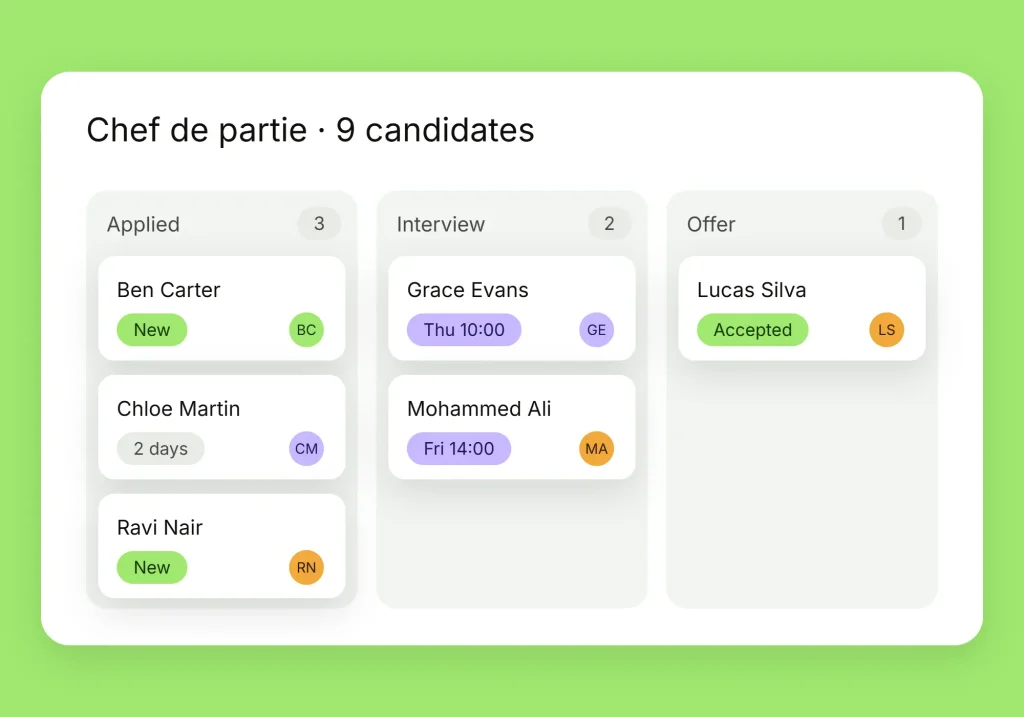
Use a saved pipeline or create stages that match your process, then move applicants forward as decisions are made.
Interview and offer
Schedule interviews, review candidate progress and send successful applicants their offer through a secure response process.
Complete checks and onboard
Manage relevant pre-employment checks and references, then move the successful candidate into the onboarding process.

Hire efficiently without losing track of the checks
When recruitment moves quickly, applications, documents and follow-ups can easily end up spread across emails and spreadsheets. RootHR keeps the hiring process structured and gives your team a clearer record of what has happened.
- Candidate stage changes stay connected to the record
- Pre-employment checks can stay with the hiring workflow
- Offers and candidate responses remain linked to the application
- Successful candidates move into the next HR process
Take the next step with you
Once a candidate becomes an employee, the RootHR app gives them access to the HR information they need without relying on a desktop.
Day one, in their pocket
New starters can access onboarding tasks, documents and relevant employee information from the app.
Shifts, leave and clock-in
See relevant shifts, leave information and attendance tools from the same employee experience.
Documents and payslips
Access employee documents, relevant visa information and payslips from one place.



What Recruitment ATS connects to
Hiring does not end when an offer is accepted. RootHR keeps the candidate connected to the HR processes that come next.
Attendance & Time
Approved leave is reflected in attendance records, helping prevent a booked day off from being treated as a missing clock-in.
Rota Management
Booked leave is visible while managers build the rota, helping them avoid scheduling employees when they are already due to be off.
Overtime & Exceptions
Approved leave is accounted for in relevant working-time calculations, helping managers distinguish time off from a potential attendance shortfall.
Payroll Support
Rolled-up and termination holiday pay information can be carried through to payroll as part of the wider pay process.
Offboarding
Accrued but untaken leave can be accounted for during the employee leaving process, rather than being calculated at the last minute.
Document Management
Leave policies, employer-defined leave types and HR templates can be kept alongside the requests and processes they support.
Frequently asked questions
Can I manage Right to Work checks from the recruitment process?
Relevant pre-employment Right to Work activity can be connected to the candidate record, helping your team keep hiring information and checks together.
Can I show open roles on our own website?
Yes. Vacancies can have public job pages, and the recruitment widget lets you display open roles on your existing careers site.
How do candidates respond to an offer?
Offers can be sent through a secure candidate response process, helping you keep the offer and candidate response connected to their recruitment record.
Can I create different hiring pipelines?
Yes. You can create and reuse recruitment pipelines or adjust the stages for individual vacancies.
Post your next role with RootHR
Bring vacancies, applications, candidate tracking and onboarding together in one connected hiring process.