
Clock in, clock out app
QR code attendance kiosk
iPhone, Android and web
Attendance & Time
Track clock-ins, working hours and attendance in one place
RootHR’s Attendance & Time feature gives UK employers one central place to record clock-ins, working hours, breaks, attendance and corrections – all connected to the wider RootHR platform.
No card required · UK-based support · ISO 27001 certified
30%
Less scheduling time
99%
Time data accuracy
0
Missed payrolls
Multi-site
From day one
Attendance kiosk mode
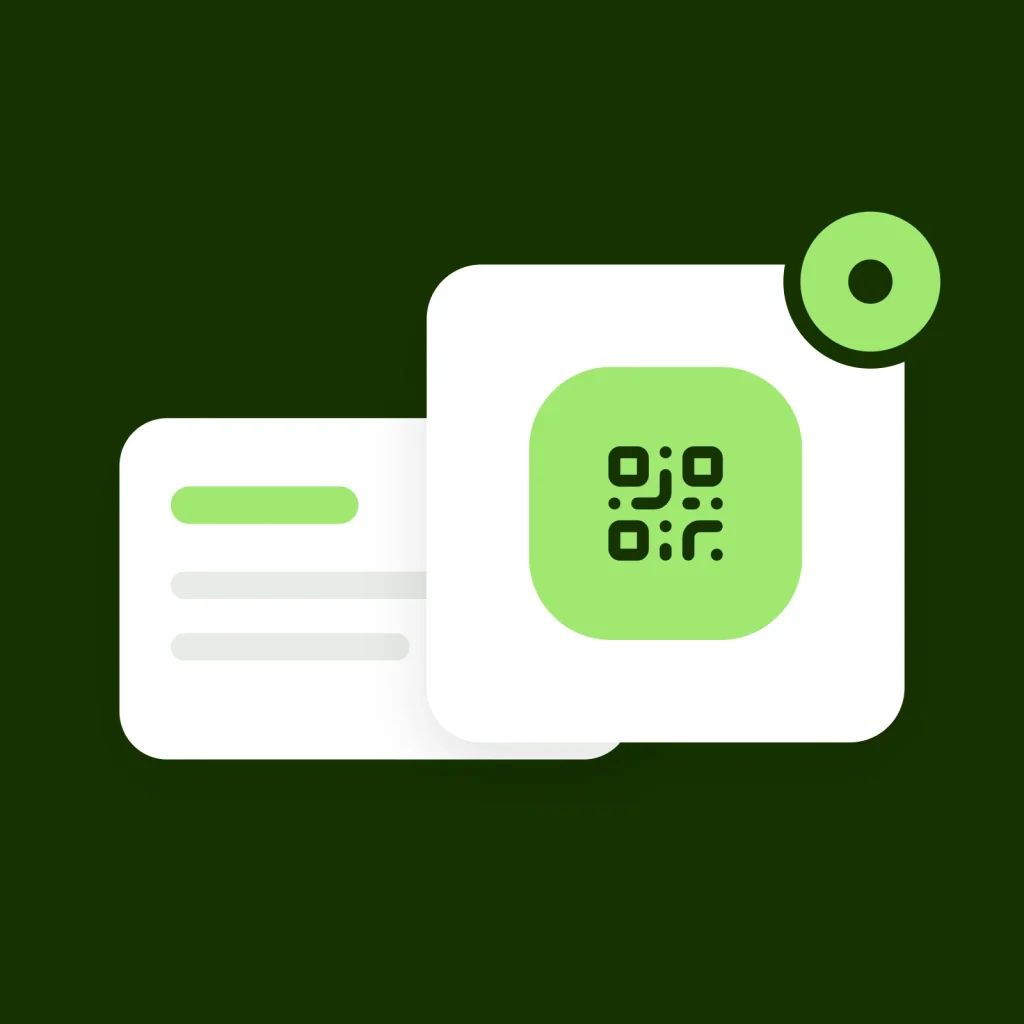
Turn any tablet into a QR code attendance kiosk
Set up a shared tablet at the workplace and let employees scan a QR code from their own phone to clock in and out. It works well for care homes, kitchens, warehouses, retail and other shift-based workplaces.
Any tablet, no extra hardware
Run kiosk mode from the browser on a compatible tablet and add it to the home screen for easy access.
Rotating QR codes
The QR code refreshes regularly, helping prevent old or photographed codes from being reused later.
Linked to the workplace
Connect a kiosk to a work location and use location rules where required.
Staff use their own phone
Employees scan the kiosk QR code through RootHR and the attendance entry is added to their own record.
The basics
What is attendance and time tracking?
Attendance and time tracking records when employees start work, finish work and take breaks, giving employers a clearer picture of the hours actually worked.
For businesses with shift-based or multi-site teams, accurate attendance records help managers compare scheduled hours with actual working time, review lateness or absence and prepare approved hours for payroll.
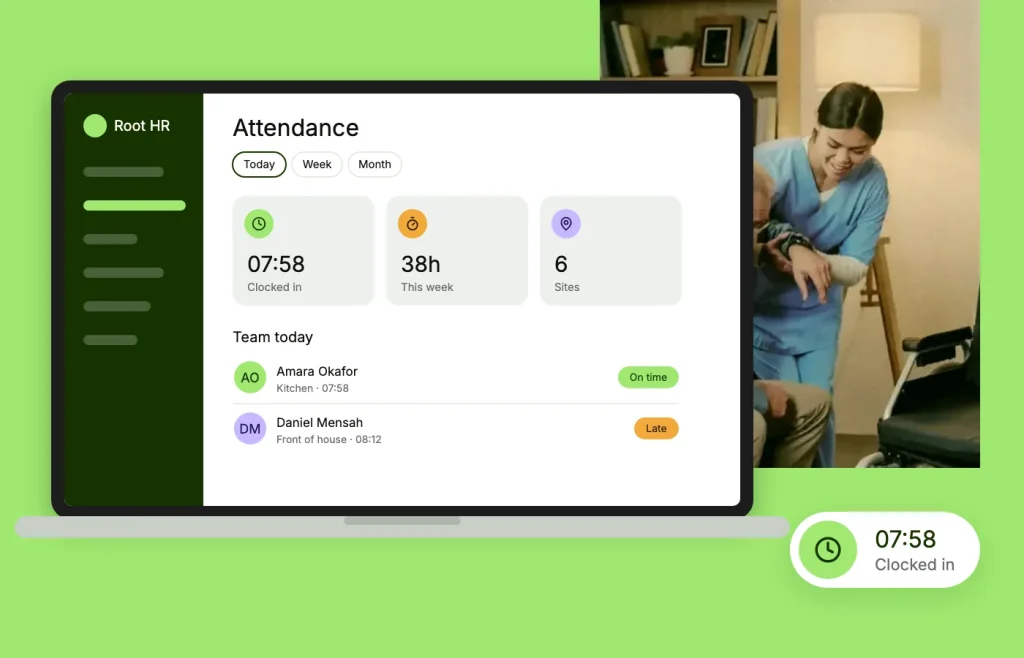
RootHR lets employees clock in through mobile, web or a shared QR kiosk, while managers can review corrections and attendance exceptions from the same employee record.
A clearer way to manage attendance
Capture working time in the way that suits each workplace, while keeping employee hours, breaks and attendance records connected.
Multiple ways to clock in
Employees can clock in through mobile, web or a shared QR kiosk, with authorised admin entries available when needed.
Breaks, set your way
Configure paid and unpaid breaks around the shifts and working patterns used by your team.
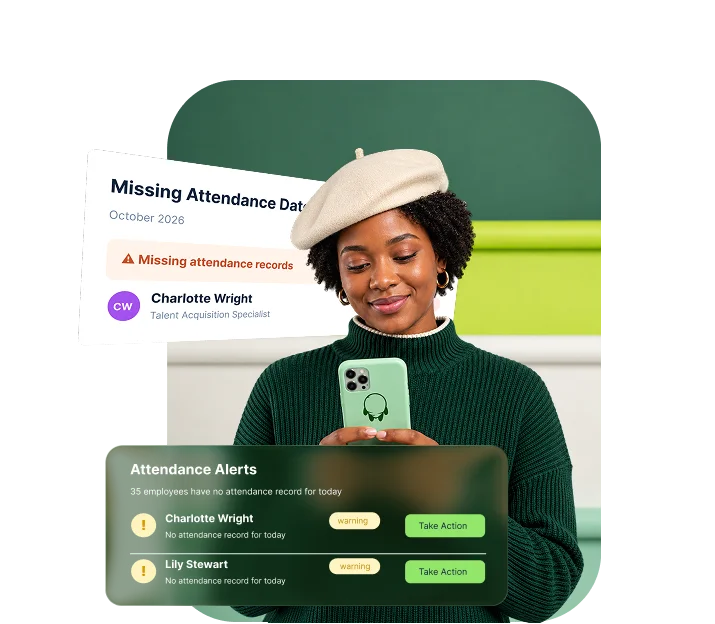
Attendance alerts
Bring missing attendance and unusual patterns to a manager’s attention for review.
Attendance summaries
Review attendance information across employees, teams and reporting periods from one place.
What your managers see
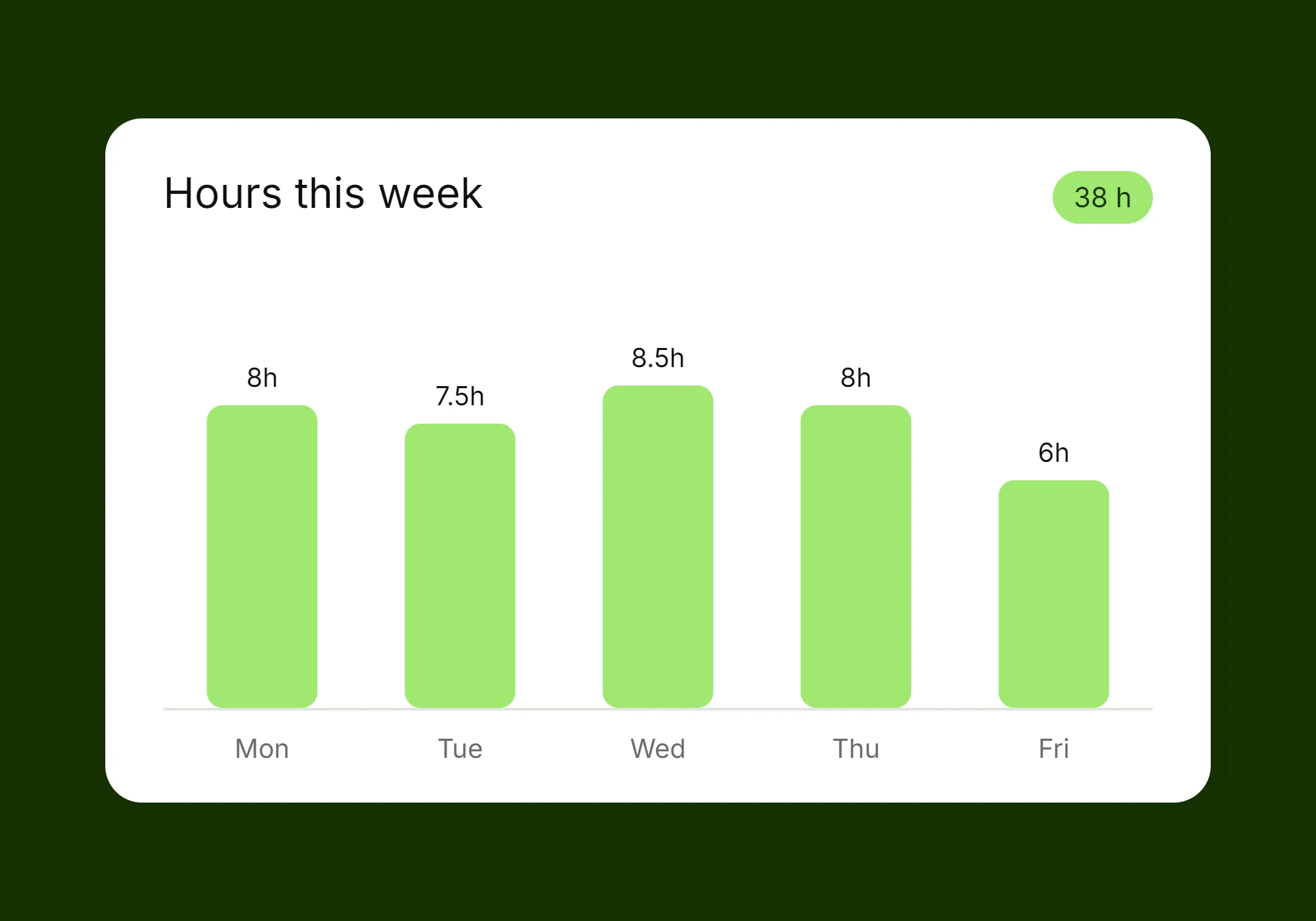
Give managers a clear view of who is working, who is late or absent and what has happened across the working week.
The week, at a glance
See attendance status across the team, including present, late, absent, leave and other relevant working-day information.
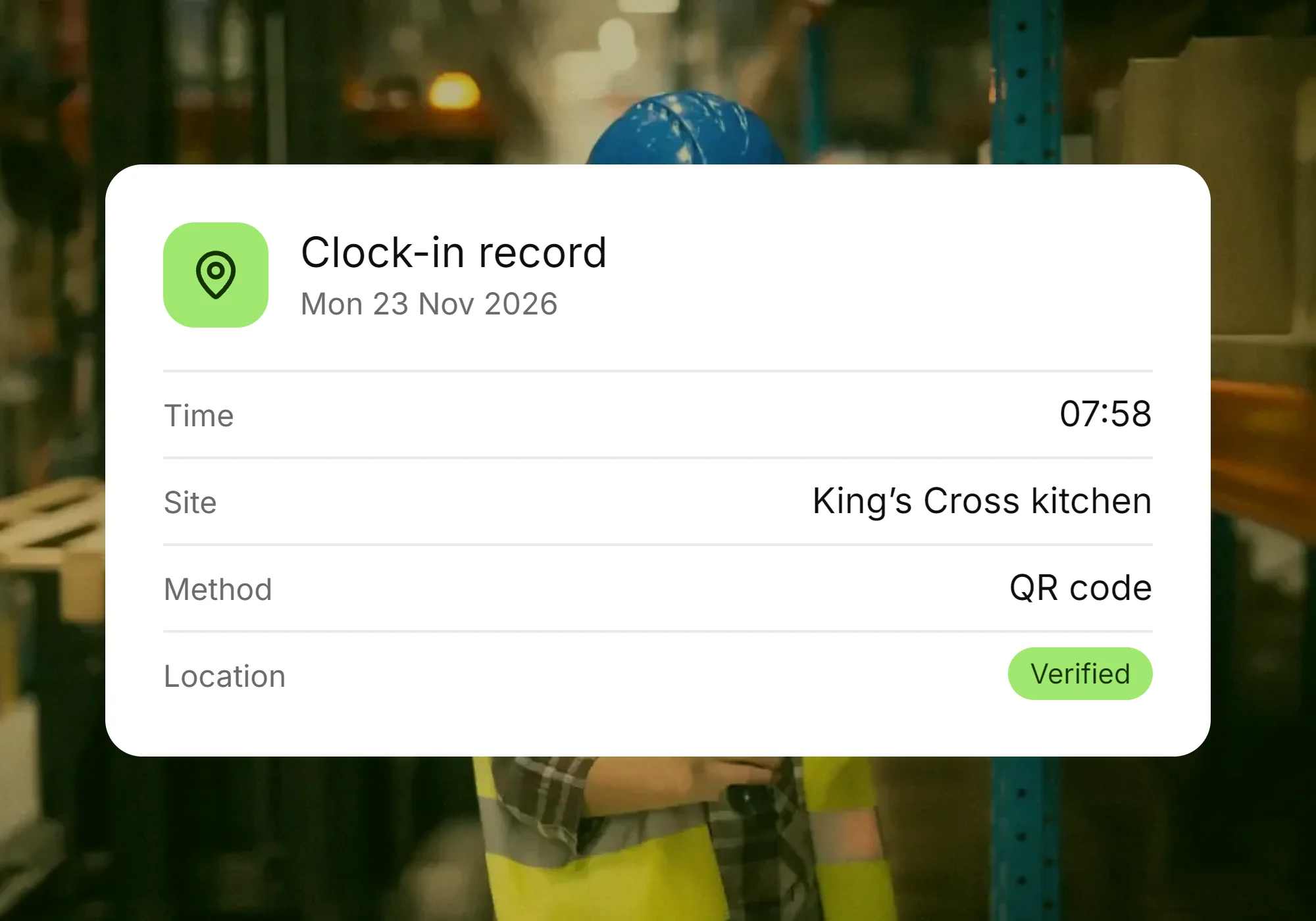
One employee, one record
Review days worked, attendance history and recorded hours from the same employee record instead of piecing information together from separate files.
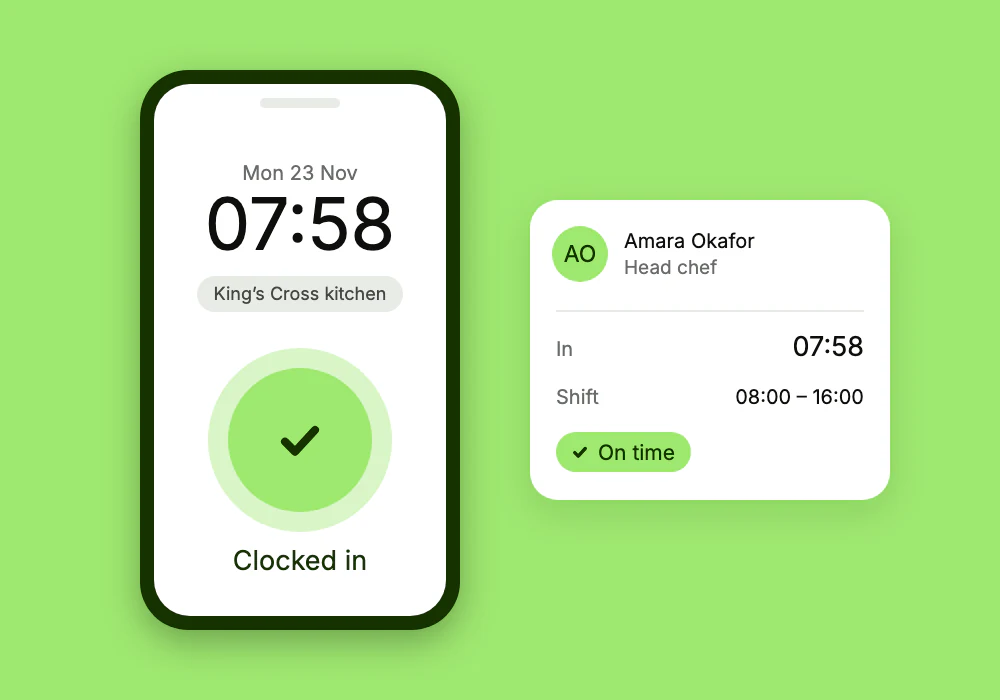
Attendance capabilities
Keep working hours connected across every device
Give employees practical ways to record attendance without introducing separate time-clock hardware or another disconnected system.
- Clock in and out through mobile, web or QR kiosk
- Pair shared tablets with workplace kiosks
- Use rotating QR codes for kiosk clock-ins
- Manage paid and unpaid breaks
- Route attendance corrections for manager approval
- Review daily, weekly and wider attendance summaries
- Flag missing attendance for review
- Keep workplace calendars connected to attendance
How it works
Four steps to a clearer attendance record
Set up how your team records time, then keep exceptions and approvals visible to the managers responsible for them.
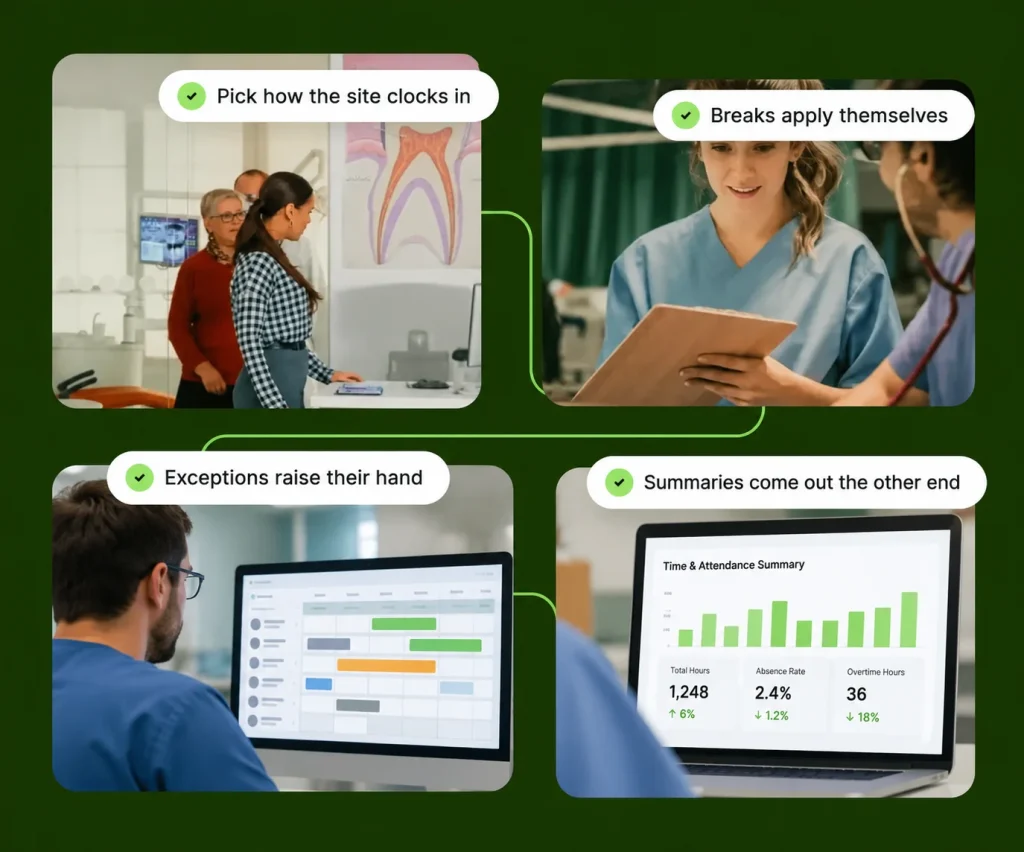
Choose how your team clocks in
Let employees use mobile, web or a workplace QR kiosk, depending on how and where your team works.
Apply your break rules
Configure the break arrangements used for each shift so working-time records reflect your attendance process.
Review exceptions
Bring missing attendance and correction requests to the right manager instead of allowing records to change without review.
Review the summaries
Use daily, weekly and company-level attendance information to understand working hours and prepare approved records for the next process.
Why it matters
Payroll starts with accurate working hours
Missing clock-outs, incorrect hours and unreviewed attendance changes can create unnecessary work when payroll is due.
RootHR keeps attendance, corrections and approved working hours connected so managers can review the record before it moves further through the workforce process.
12s
Avg. clock-in time
4
Ways to clock in
0
Hours connected to payroll
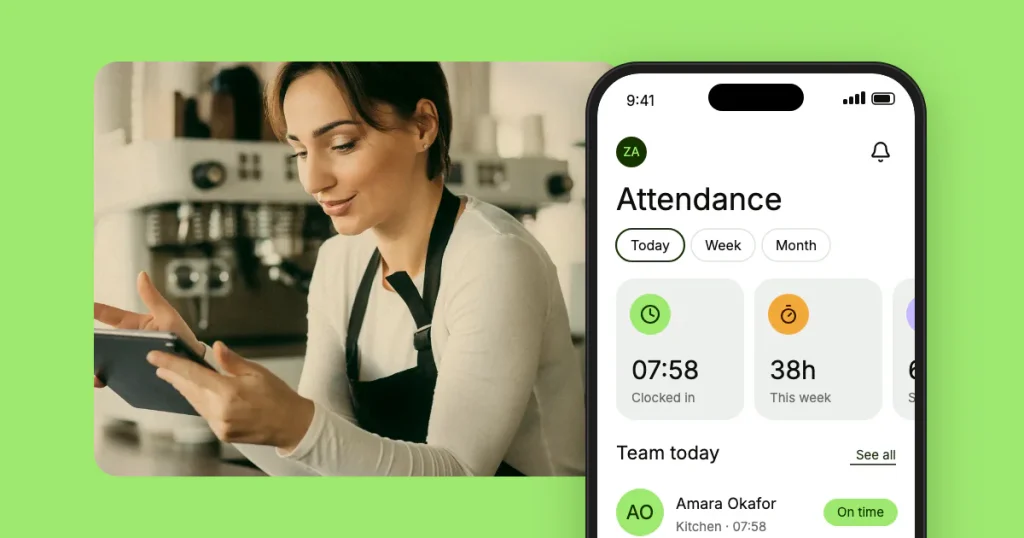
Take it with you
Clock in and out from the RootHR app
Employees can use RootHR on their phone to record attendance and access other everyday workforce information without relying on paper timesheets.
- Clock in and out from mobile
- Check shifts and leave information
Access documents and payslips
Using a shared tablet? RootHR kiosk mode can run through the browser without a separate kiosk app.
Open app.roothr.co.uk/kiosk on the tablet and add it to the home screen.
Where attendance data goes next
Clock-in records don’t sit on their own — they feed the rota, leave, exceptions and the pay run.
Rota Management
Build the week in a drag-and-drop builder, then compare rostered hours against the hours actually clocked.
Leave Management
Approved leave feeds straight into attendance, so a booked day off never reads as a missing clock-in.
Overtime & Exceptions
Excess overtime, working-time breaches and visa-hour caps checked against the same attendance data.
Payroll Support
Approved hours, breaks and premiums carry into the pay run instead of being re-keyed from a spreadsheet.
Onboarding
New starters arrive with a profile, a contract and a clock-in method already set up for day one.
Document Management
Timesheets, signed opt-outs and policy acknowledgements filed against the employee they belong to.
Attendance guides for employers
Clock-in records don’t sit on their own — they feed the rota, leave, exceptions and the pay run.
Attendance & Time
Frequently asked questions
How do staff clock in and out?
Four ways: from the web app, from their phone, from a shared kiosk, or through an admin entry made on their behalf when someone forgets.
How does the kiosk work?
A device is paired as a kiosk and displays a QR code that rotates and expires, so a photographed or shared code cannot be reused later.
What is a QR code attendance system?
It is a way of recording attendance where staff scan a QR code at the workplace with their own phone instead of signing a sheet or tapping a card. In Root HR the code is shown on a tablet in kiosk mode and changes every 10 seconds, and each scan is saved as a clock-in or clock-out on that person’s record.
Where do I download kiosk mode?
There is nothing to download from an app store. Open app.roothr.co.uk/kiosk in the browser on the tablet, add it to the home screen so it opens full screen, then pair it with the code from Settings, Clock-in kiosks in your Root HR account.
Which app do staff use to clock in and out?
The Root HR app, on the App Store and Google Play. Staff can clock in from the app, scan the kiosk QR code with it, or use the web app on any browser.
Do we need to buy a time clock or card reader?
No. Any spare iPad or Android tablet with a browser and an internet connection can be the kiosk, and staff use the phones they already carry.
Can someone clock in for a colleague?
It is hard to do. Each scan comes from the employee’s own signed-in app, the code expires within seconds, and you can require the phone to be inside the kiosk location’s GPS radius.
What happens if someone forgets to clock out?
Root HR clocks them out automatically when the shift ends, and the record is flagged so a manager can check it. Anyone can raise a correction request, which goes to a manager for approval rather than being changed silently.
Are breaks paid or unpaid?
Whichever your policy says — breaks are configurable per shift, so paid and unpaid breaks can sit side by side in the same rota.
Does it know about bank holidays?
Yes. Bank holidays are built in, and you can add your own company closure calendars on top of them.
See your first clock-in land in minutes
Book a free walkthrough or register and connect your first team today.