Root HR | All-in-One HR Software for UK Businesses

Task & Workflow

Assign actions, approvals and reminders across teams

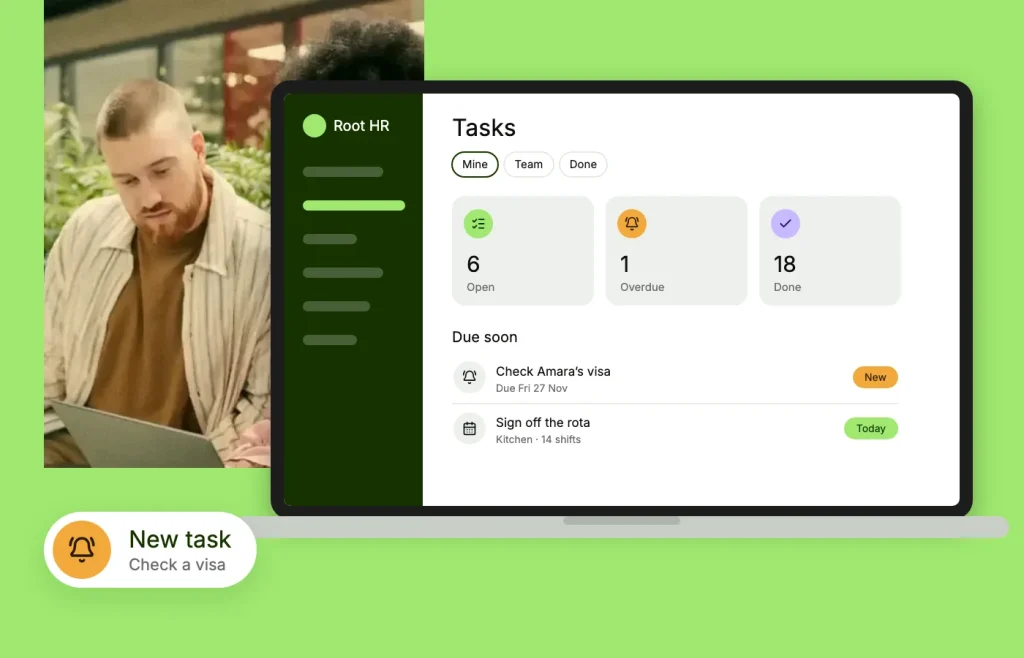
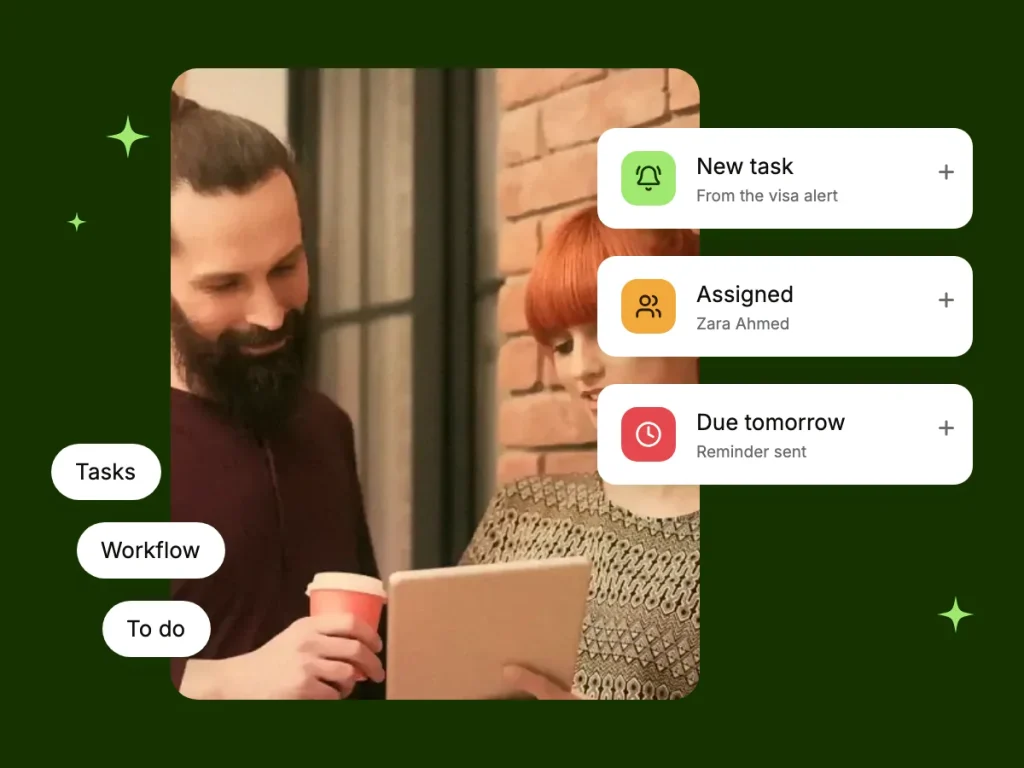
RootHR’s Task & Workflow feature helps HR teams assign tasks, set deadlines and track progress on a shared task board. Keep comments, subtasks, file attachments and notifications connected to each task, all within your HR software.

No card required · UK-based support · ISO 27001 certified

Task management
Faster onboarding
20 %
Avg. task completion
30 min
Employee self-serve
1 /7
Less admin chase
0 x

The basics

What is Task & Workflow?

Task & Workflow is a RootHR feature that helps teams organise everyday HR work by assigning responsibilities, setting deadlines and tracking progress in one place. Tasks can include collecting signed policies, arranging probation reviews, following up on employee documents or coordinating onboarding activities.

When actions are scattered across emails, spreadsheets and individual to-do lists, it can be difficult to see who is responsible, what is overdue and which tasks still need attention.

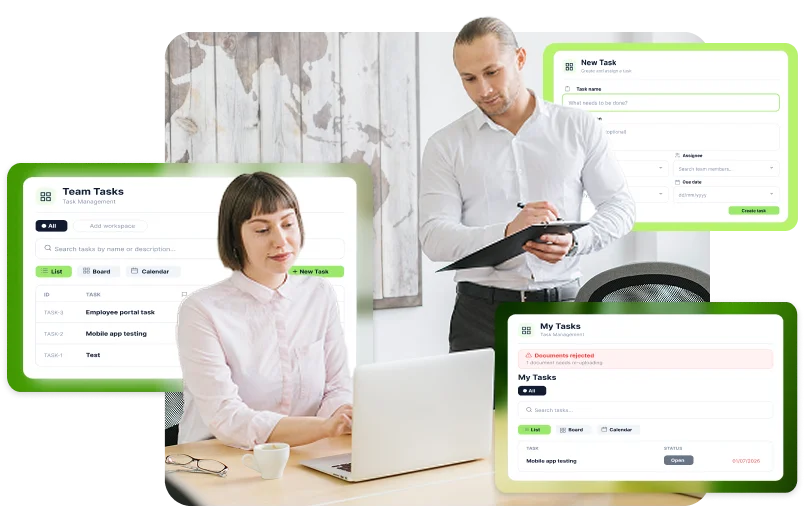
With RootHR, create tasks with named owners and due dates, track them on a shared task board, and keep comments, subtasks and file attachments together. View the same work through personal lists, team workloads or a calendar.

Task dashboard

Every HR job, on one board

Move HR work out of scattered inboxes and onto a shared task board where responsibilities, deadlines and progress are easy to follow.

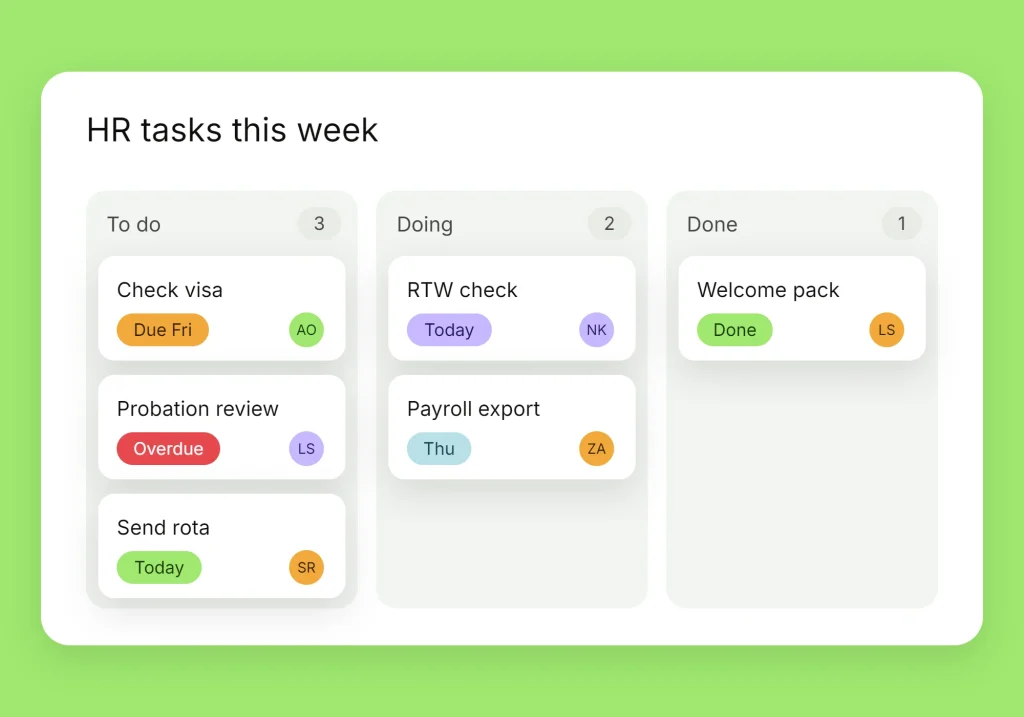
Shared task board

Track tasks in one place so the whole team can see what needs to be done.

Subtasks and comments

Break larger tasks into smaller steps and keep discussions connected to the work.

Automatic notifications

Notify task owners when work is assigned and when its status changes.

Personal, team and calendar views

View individual responsibilities, team workloads and upcoming deadlines in one place.

Actions

Capabilities in detail

What you get in RootHR Task & Workflow

Manage HR task tracking, team responsibilities and workflow updates within RootHR. Each task keeps its key details together, while your organisation controls its notification settings.

Two places the work shows up

HR task management works best when outstanding actions appear where people already manage their work. RootHR connects task visibility with the approval queue and the main HR dashboard.

Approvals

Approvals arrive as work, not as email

Requests awaiting a decision appear in an approval queue with their current status and available actions. The outcome remains connected to the relevant record.
Outstanding tasks

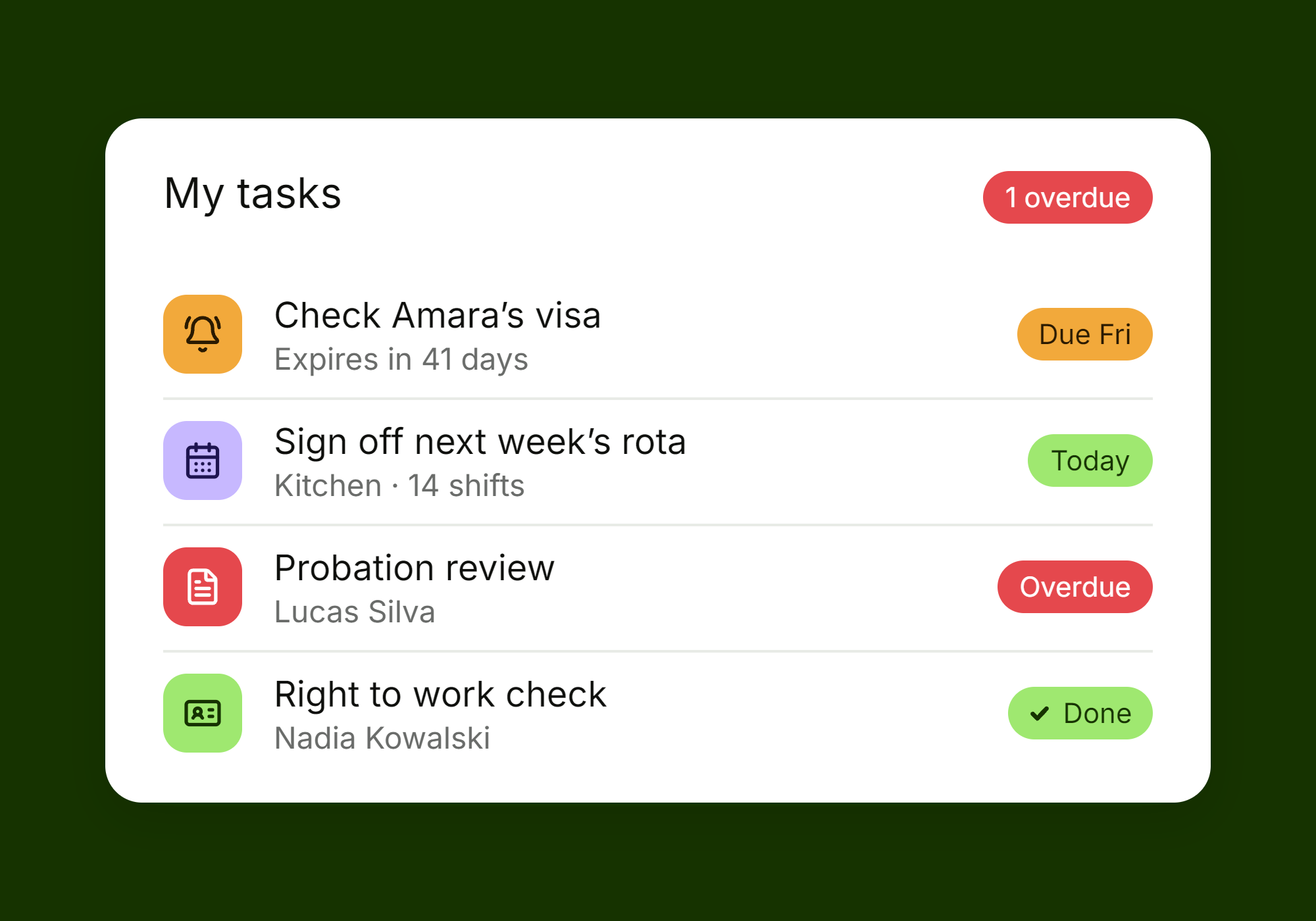
Outstanding work on the screen people already open

The task widget displays outstanding work on the RootHR dashboard alongside workforce and compliance information, helping teams see what needs attention without switching between multiple screens.
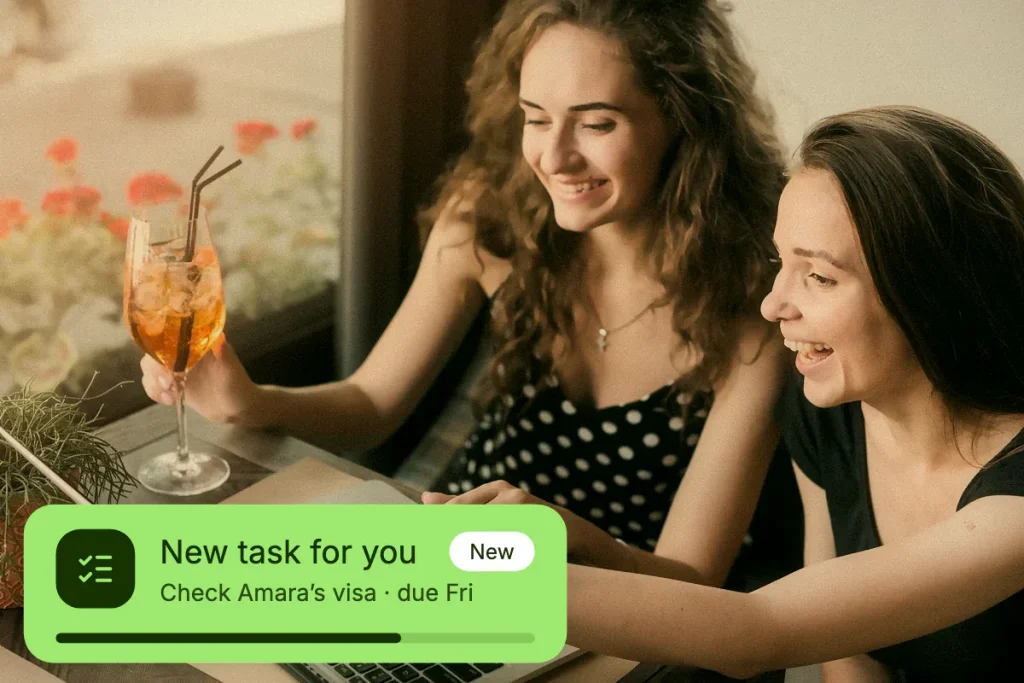
See workload and risk in one screen

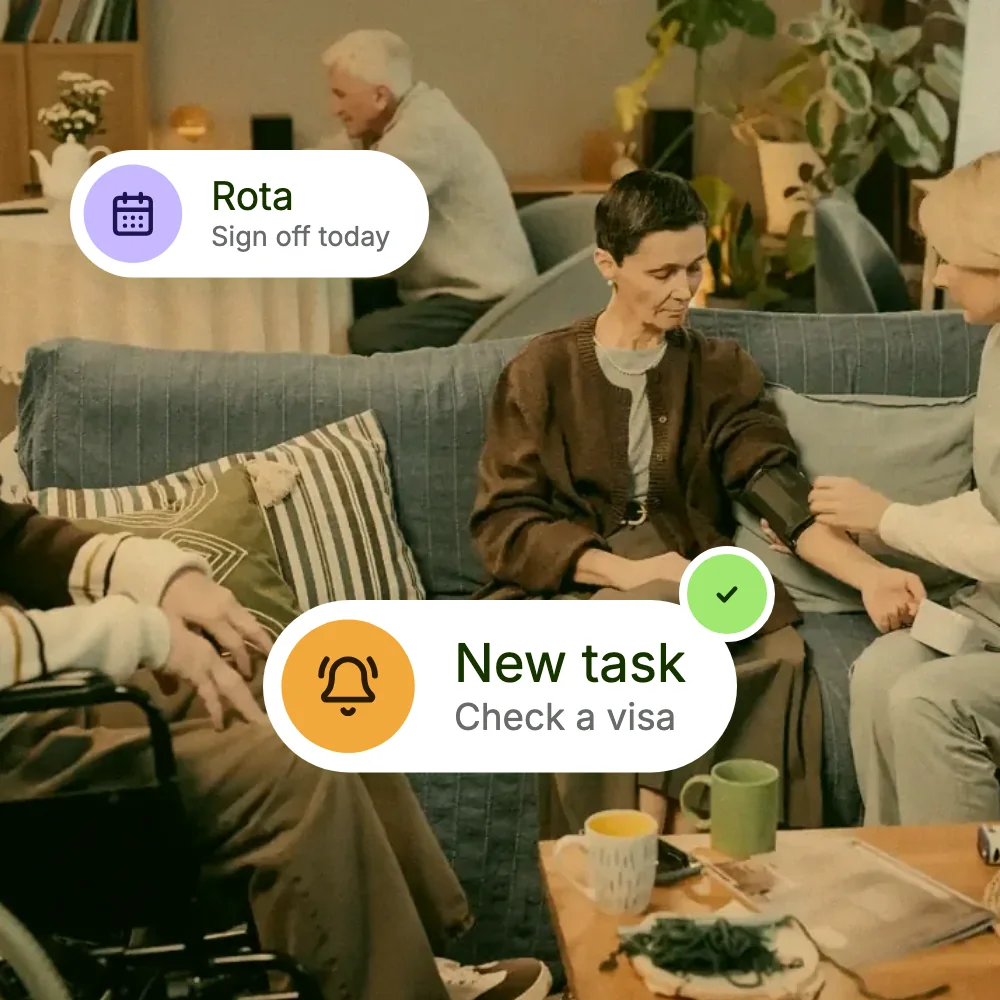
Every task contributes to a clearer view of the work your HR team needs to complete. Track everyday actions alongside other workforce and compliance information in RootHR.

  • Create a task, set a due date and assign an owner.
  • See what’s waiting, in progress and completed on the shared task board.
  • Keep comments, subtasks and attachments connected to each task.
Workloads

Notifications

Alerts your organisation configures - not ours

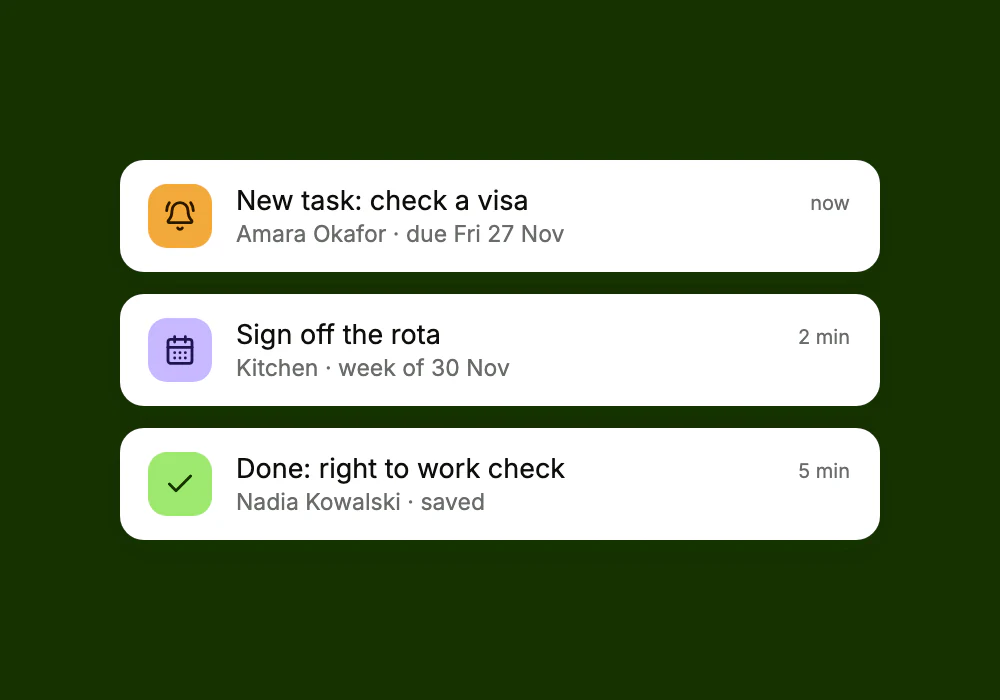
Task owners receive notifications when work is assigned to them and when its status changes. RootHR also lets each employer configure notification settings to suit its needs, rather than relying on a single set of defaults.

Automatic assignment alerts

Let task owners know when a task is assigned to them.

Status-change alerts

Keep relevant people informed as tasks move through their workflow.

Everything on the task

Keep comments, subtask checklists and file attachments together with the work they relate to.

Per-employer settings

Choose notification preferences that work for your organisation.

Why it matters

Work that lives in email gets forgotten

When HR tasks are scattered across inboxes and spreadsheets, it can be difficult to track ownership, deadlines and progress. RootHR’s task management feature gives your team a shared view of outstanding work, helping everyone understand what needs to happen next.

  • Automatic notifications keep task owners informed.
  • Due dates and a shared task board make outstanding work easier to identify.
  • Personal, team and calendar views show what’s due and who is responsible.

Why it matters

Tasks that follow people off the desk

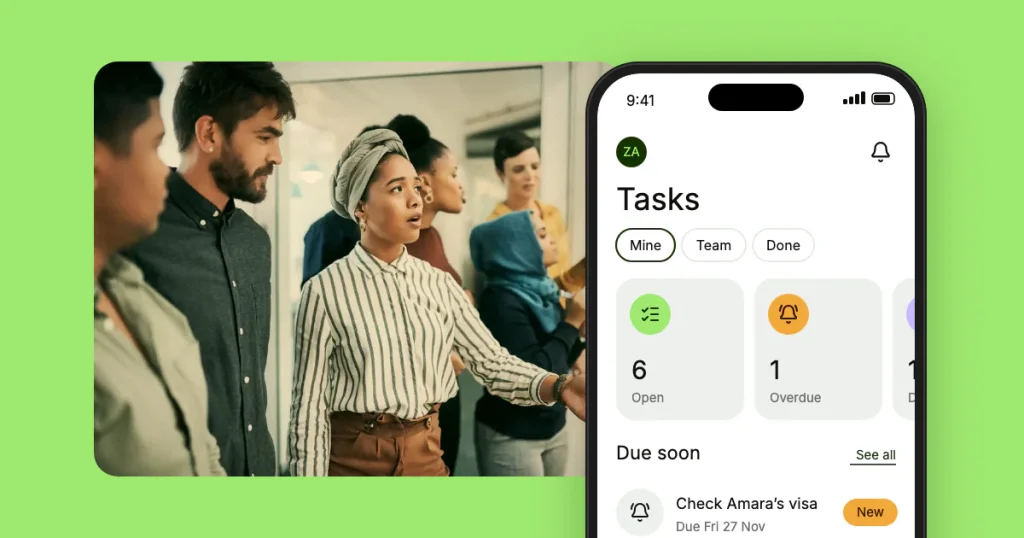
Not everyone who owns a task works at a computer. The RootHR mobile app brings My Tasks together with shifts, leave and documents, helping employees and supervisors access their work while away from their desks.

My Tasks in the app hub - Add and track your own work from your phone.

Overdue tasks at a glance - See overdue items on the dashboard when you open the app.

Your work in one place - Access announcements, open shifts and documents alongside your tasks.

What usually creates the tasks

Task & Workflow is where HR work is tracked. These are the modules the work tends to come from.

HR Core

The employee record most HR tasks are actually about.

Onboarding

A 13-step new-hire journey with a named owner on every step.

Attendance & Time

Absence alerts, corrections and missing dates to work through.

Leave Management

Leave requests that need an approval decision from someone.

HR Core

The employee record most HR tasks are actually about.

Onboarding

A 13-step new-hire journey with a named owner on every step.

Attendance & Time

Absence alerts, corrections and missing dates to work through.

Leave Management

Leave requests that need an approval decision from someone.

Task & Workflow - Frequently asked questions

HR task management software helps teams create tasks, assign owners, set deadlines and monitor progress. RootHR provides these capabilities through its Task & Workflow feature, helping teams manage everyday work in one place.

Yes. Files can be attached directly to a task alongside comments and subtask checklists, keeping supporting information connected to the work.

Yes. Subtask checklists let you divide larger tasks into smaller actions and track them alongside the main task.

RootHR provides personal task views, team views and calendar views. Employees can also access My Tasks through the RootHR mobile app.

Yes. Assign a due date and an owner, then track progress on the shared task board.

RootHR supports employer-specific notification settings. Assignment and status-change alerts help keep task owners informed, while your organisation can configure its notification preferences.

No. Task & Workflow is a feature within RootHR’s HR software, under People & Operations. It connects task tracking with employee records and other HR workflows.

Stop chasing.
Start tracking.

Bring HR tasks, approvals, deadlines and team responsibilities into one shared workspace. Book a free walkthrough or register with RootHR and put your first tasks on the board today.

Scroll to Top